
Vector Local Path · 0 Credits
Automatic Page-by-Page Inspection
Analyzes PDF drawing operators locally (with eval disabled) and tags each sheet as Vector Paths or Scanned Image alongside a live page thumbnail.
Dual-Path PDF Engine · Vector Local Free · Scanned AI Cleanup
Inspect every page of your PDF right in the browser with live page thumbnails. Vector CAD sheets extract to DXF locally at 0 credits; scanned blueprint pages render cleanly for AI linework cleanup and 2-point scale calibration.
Page inspection and vector PDF extraction run locally in your browser at 0 credits. Scanned pages are rendered locally (capped at 4096px) and only uploaded if you choose to send a page to our AI cleanup workspace.
37.6 ms
Local Page Inspection
Measured on our 2-page vector architectural sheet
0 Credits
Vector PDF Extraction
Runs locally in your browser with zero server upload
All Pages
Live Sheet Thumbnails
Pick any page from multi-page permit sets
≤ 4096px
Mobile-Safe Scan Render
High-res raster handoff for AI cleanup & 2-point scale
How It Works
Automatic vector-vs-scanned detection so every PDF sheet takes the right path.
Load a single or multi-page PDF. Each page renders a thumbnail in your browser and is labeled Vector Paths or Scanned Image.
For Vector pages, click Extract Vector DXF (Free) to download immediately. For Scanned pages, click Render & Open in AI Cleanup.
Vector DXFs download in millimeter-scaled coordinates. Scanned sheets open in /converter for AI cleanup and 2-point real-world scale calibration.
Dual-Path PDF Architecture
Most online PDF to DXF converters reject scanned PDFs or convert only page 1. We inspect every page locally first and guide each sheet to the right conversion path.
Analyzes PDF drawing operators locally (with eval disabled) and tags each sheet as Vector Paths or Scanned Image alongside a live page thumbnail.
For CAD-exported vector PDFs, lines, rectangles, and Bezier curves convert directly to DXF LWPOLYLINEs inside your browser with zero server upload.
Browse thumbnails across multi-page permit sets and convert any individual sheet you need: no forced page-1-only restriction.
Instead of failing on raster PDFs, scanned pages render up to 4096px and open in /converter for AI cleanup, 1.5px collinear simplification, and 2-point scale calibration.
Real Conversion Output
Real output from our dual-path PDF workflow: whether your PDF came from a flatbed scanner or a CAD print driver.
Scanned PDF Path · AI Cleanup
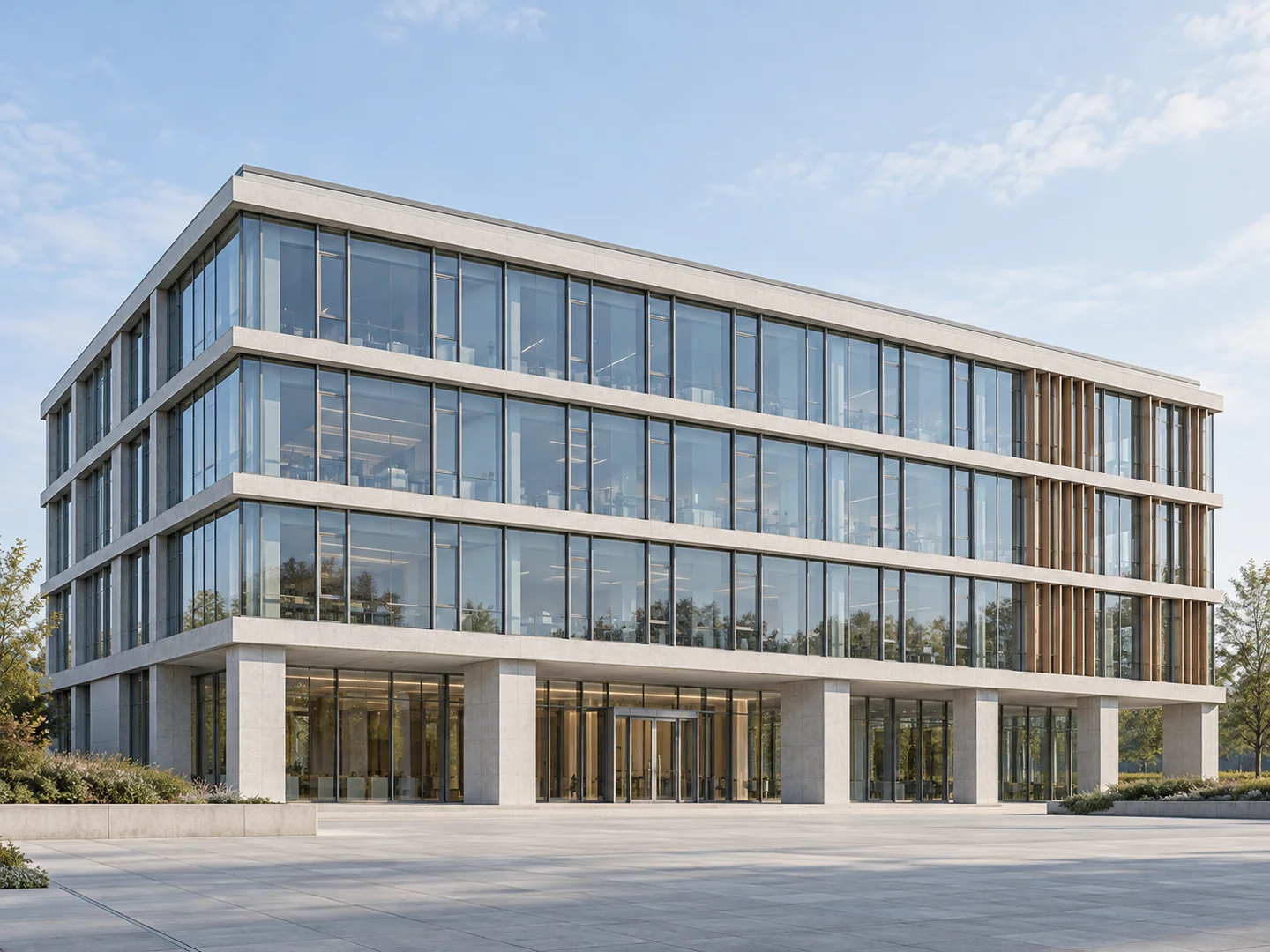
When a PDF is just a scanned image wrapped in a PDF container, pure vector extractors output an empty file. Our scanned path strips shading and background fills into clean black walls and doors.
Try the 2-Page Mixed sample in the upload card above to see both Vector and Scanned detection on a single PDF.
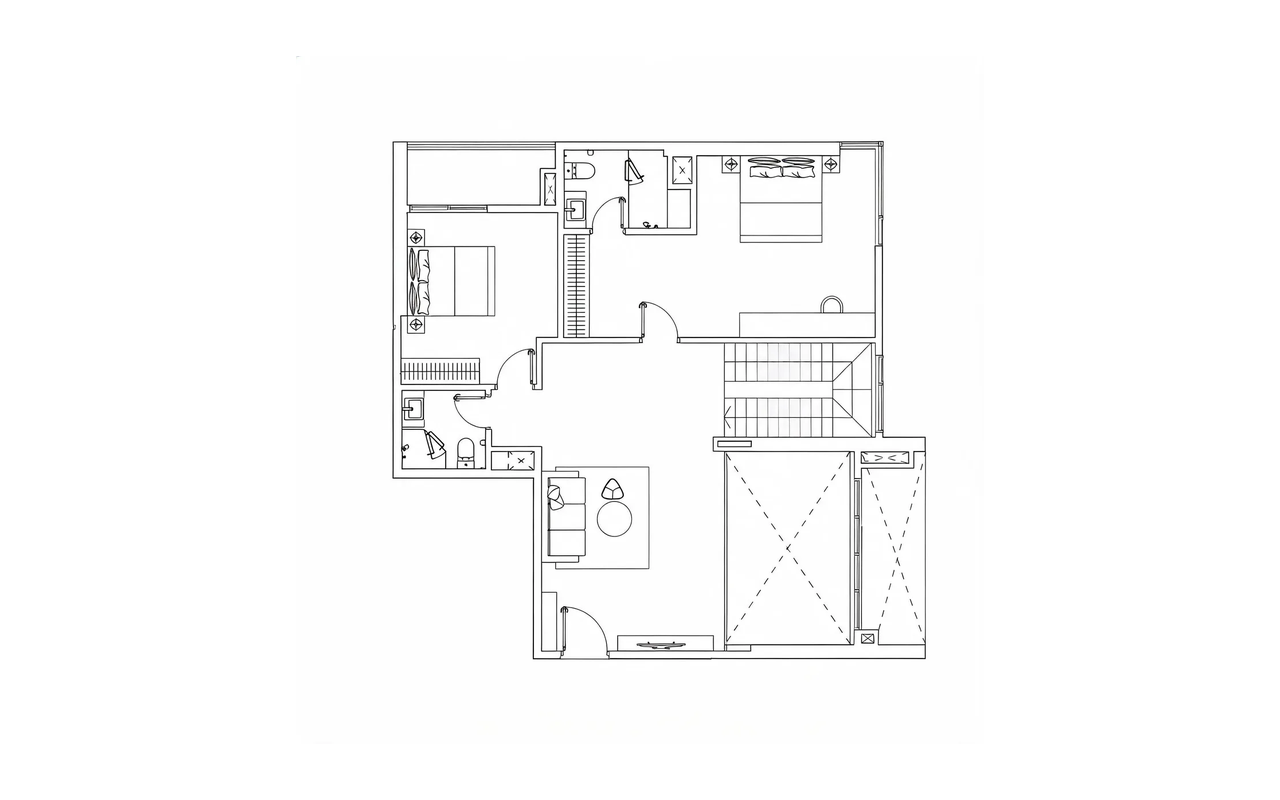
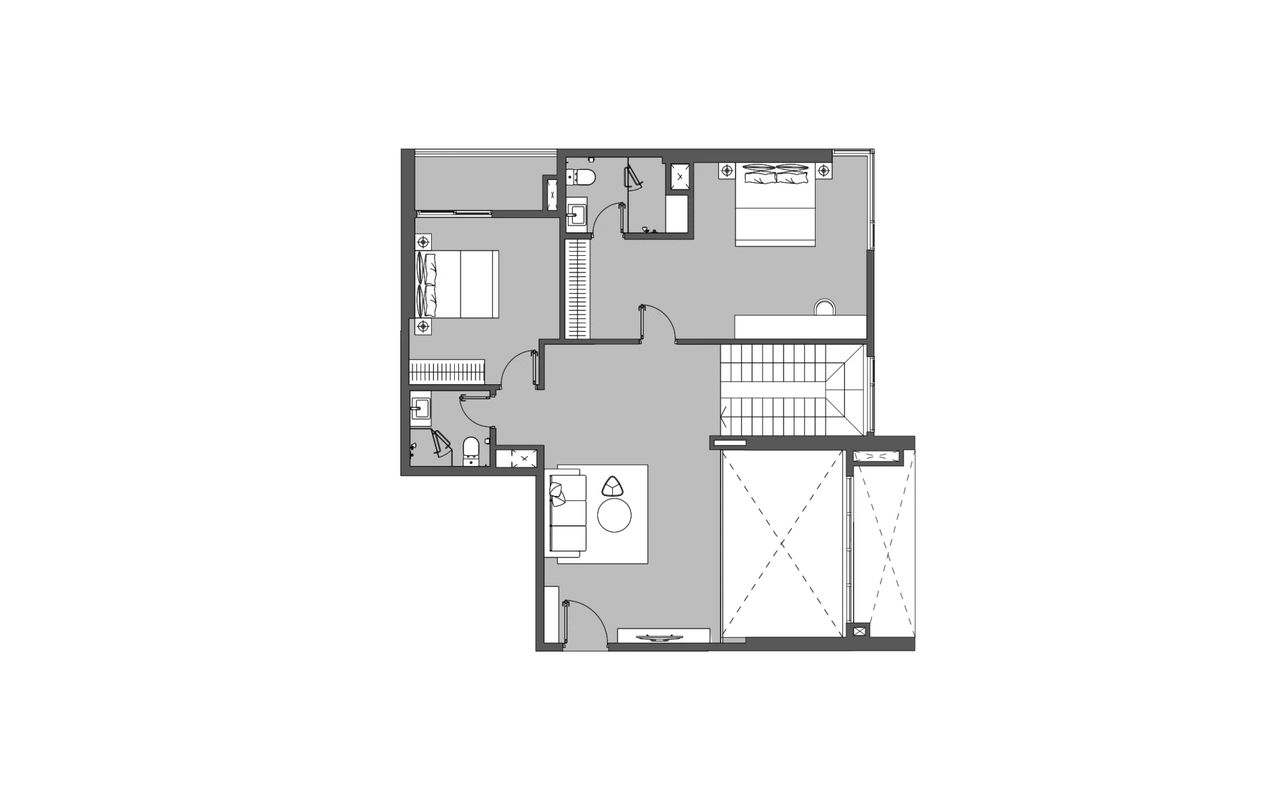
Vector PDF Path · Local Free
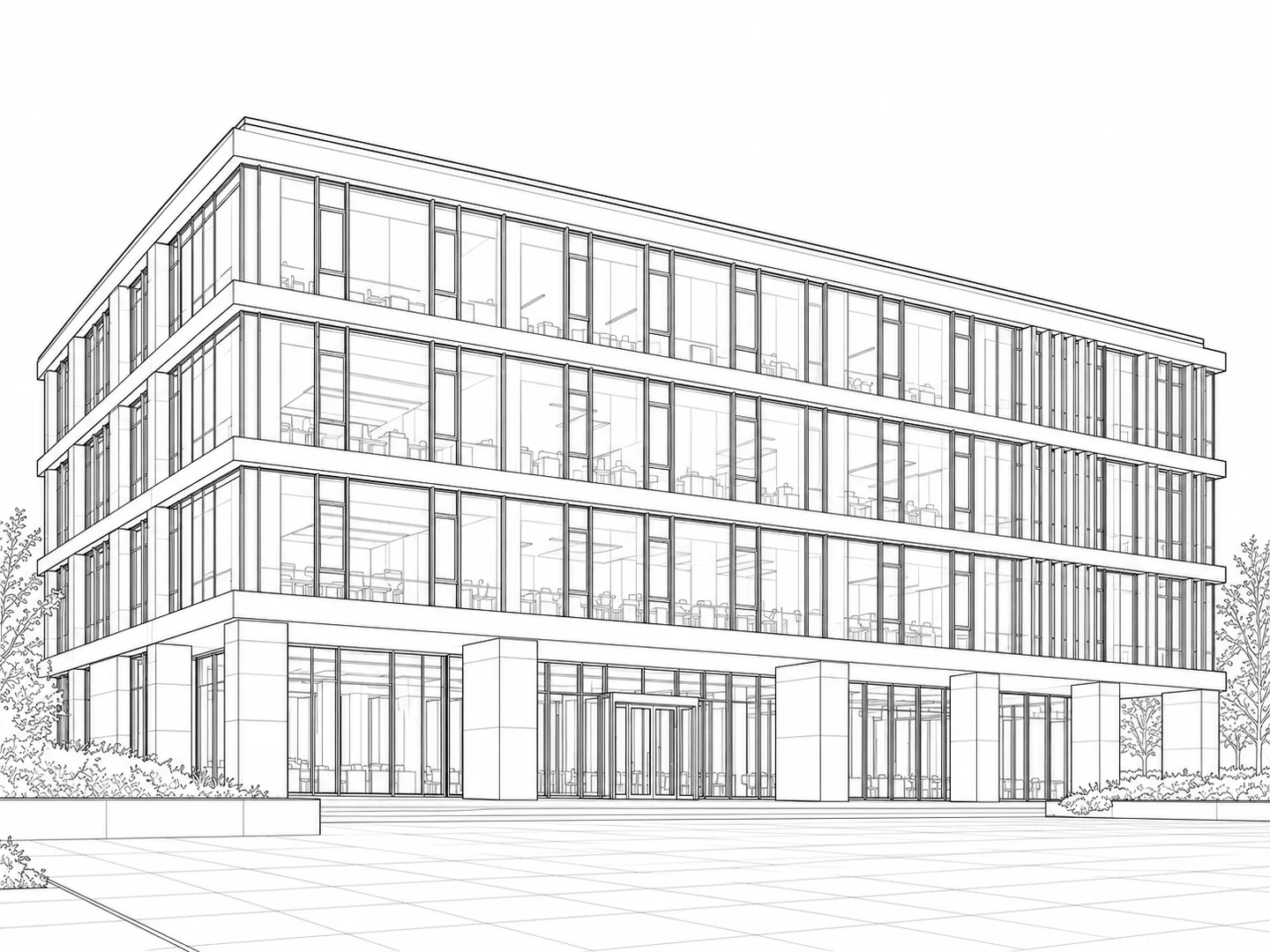
PDFs exported straight from AutoCAD, Revit, or Illustrator already store mathematical path operators. We read those paths locally and write clean millimeter-scaled DXF polylines with zero upload.
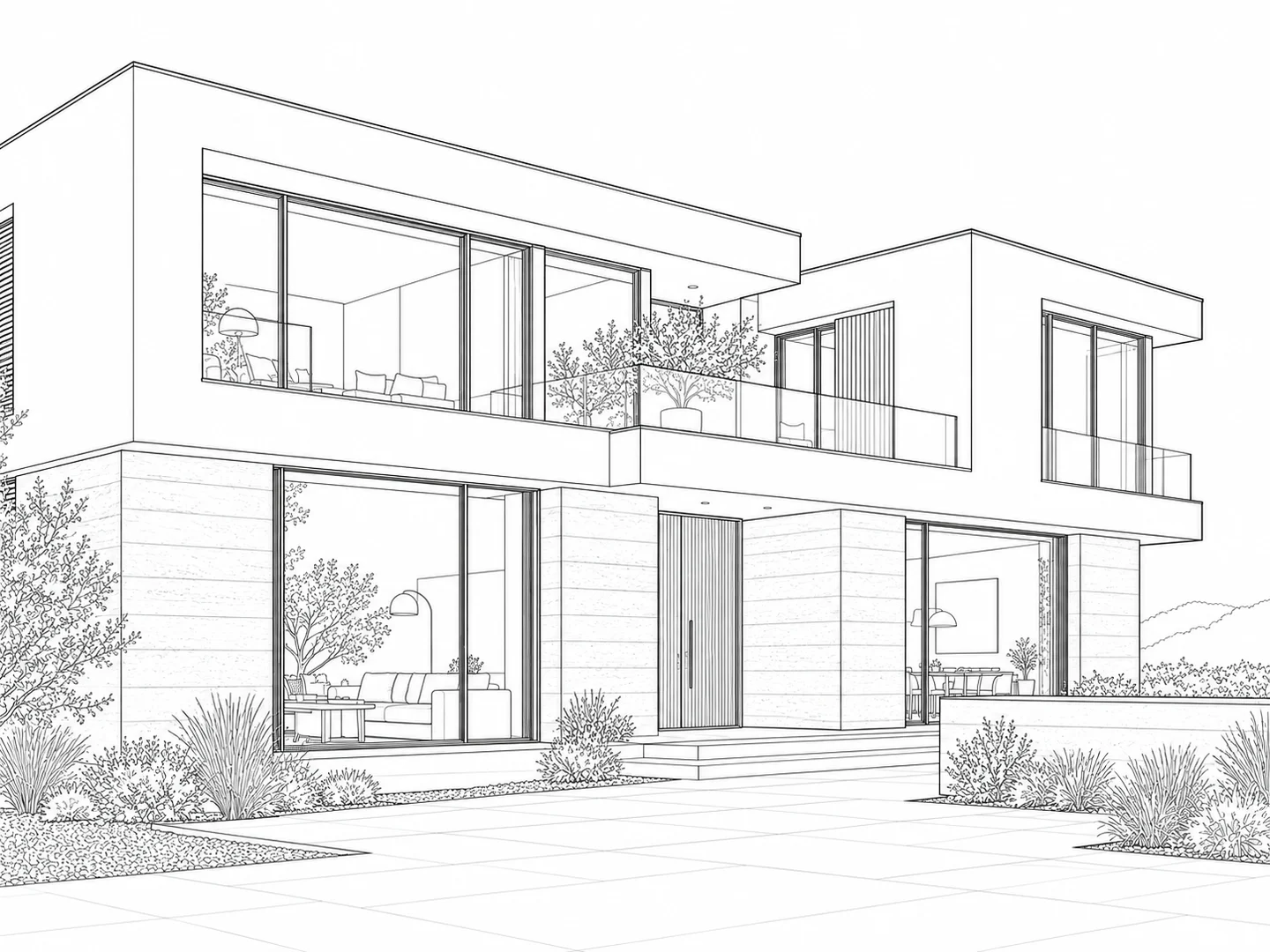
Click the Vector Architectural PDF thumbnail in the upload card above to test local extraction right now.
Dual-Path vs. Standard Converters
How local inspection + dual-path routing solves the two most common failure points in online PDF to DXF tools.
| Check | Standard Online Converters | ImgToCAD PDF to DXF |
|---|---|---|
| Scanned / raster PDFs | Blocked or outputs an empty DXF file | Auto-detected & routed to AI Cleanup + 2-point scale |
| Multi-page PDFs | Often restricted to page 1 only | Live thumbnails for every page; convert any sheet |
| Vector PDF privacy | Uploads drawing to third-party servers | Runs locally in browser (zero upload) |
| Vector PDF cost | Daily limits or desktop upsells | Free · 0 credits · no login |
| Scale & noisy vertices | Raw uncalibrated output | mm-scaled vector DXF; scanned path adds 2-point scale & 1.5px simplification |
| Page preview before export | Blind file conversion | Per-page thumbnail + vector/image op counts |
Real Workflows
Real architectural and engineering PDFs rarely arrive clean or single-page.
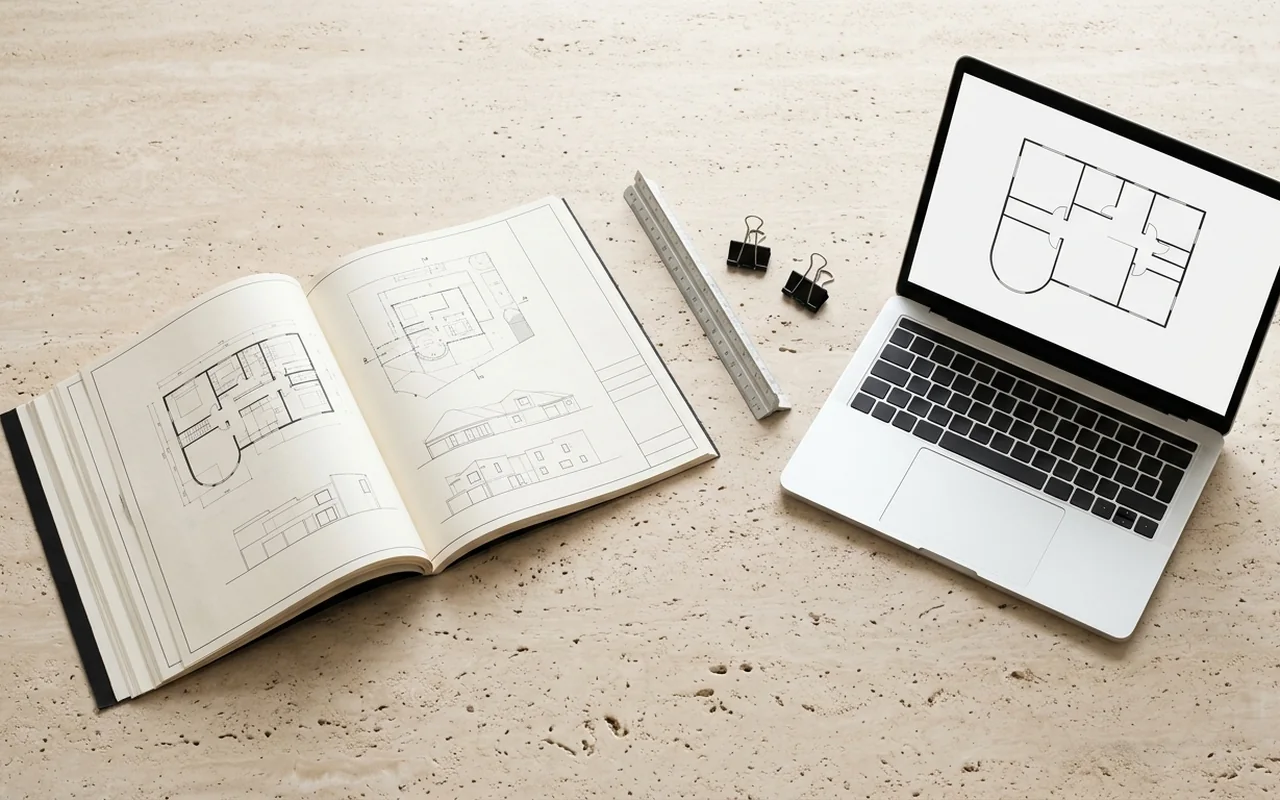
Inspect multi-page architectural PDFs, pick only the floor plan sheet you need, and extract clean 2D vector linework locally without paying for desktop plugins.
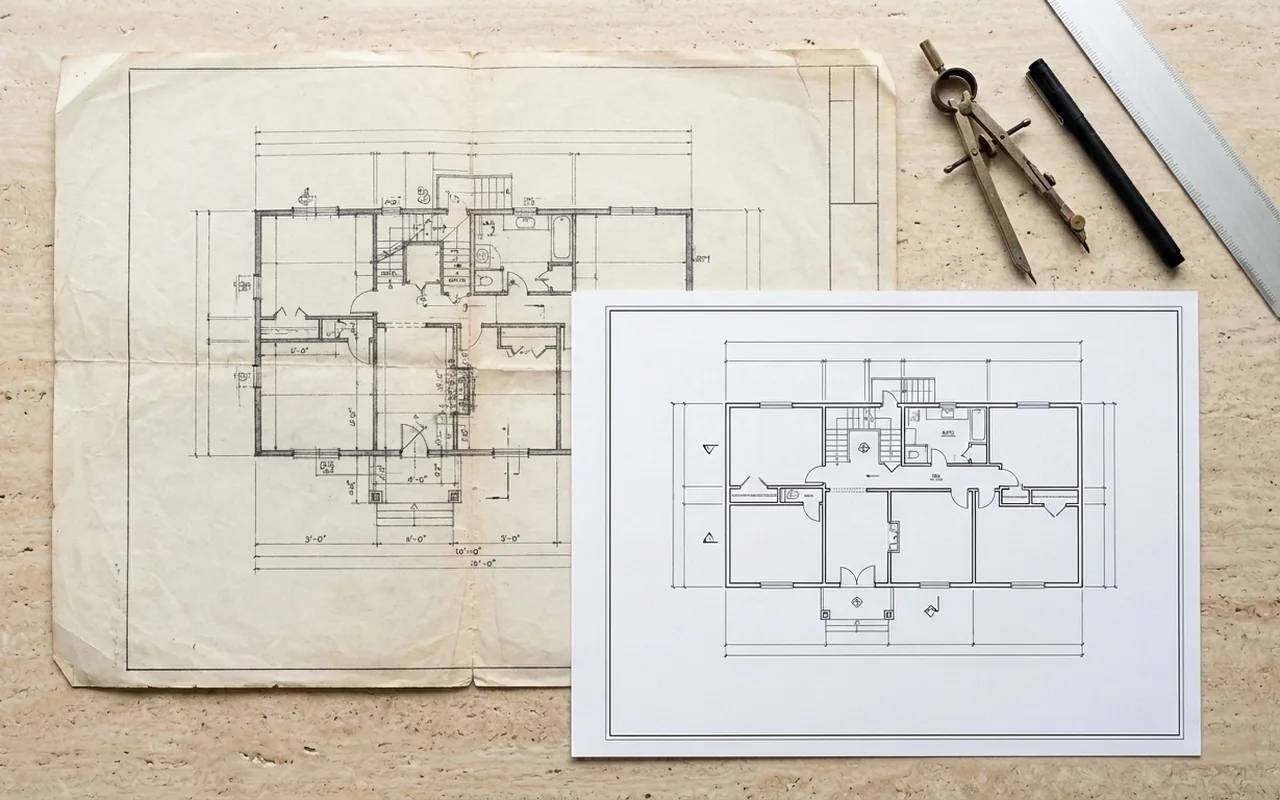
Pull a single sheet from a 20-page scanned PDF archive, render it cleanly up to 4096px, and strip paper folds, stamps, and shading with AI cleanup.
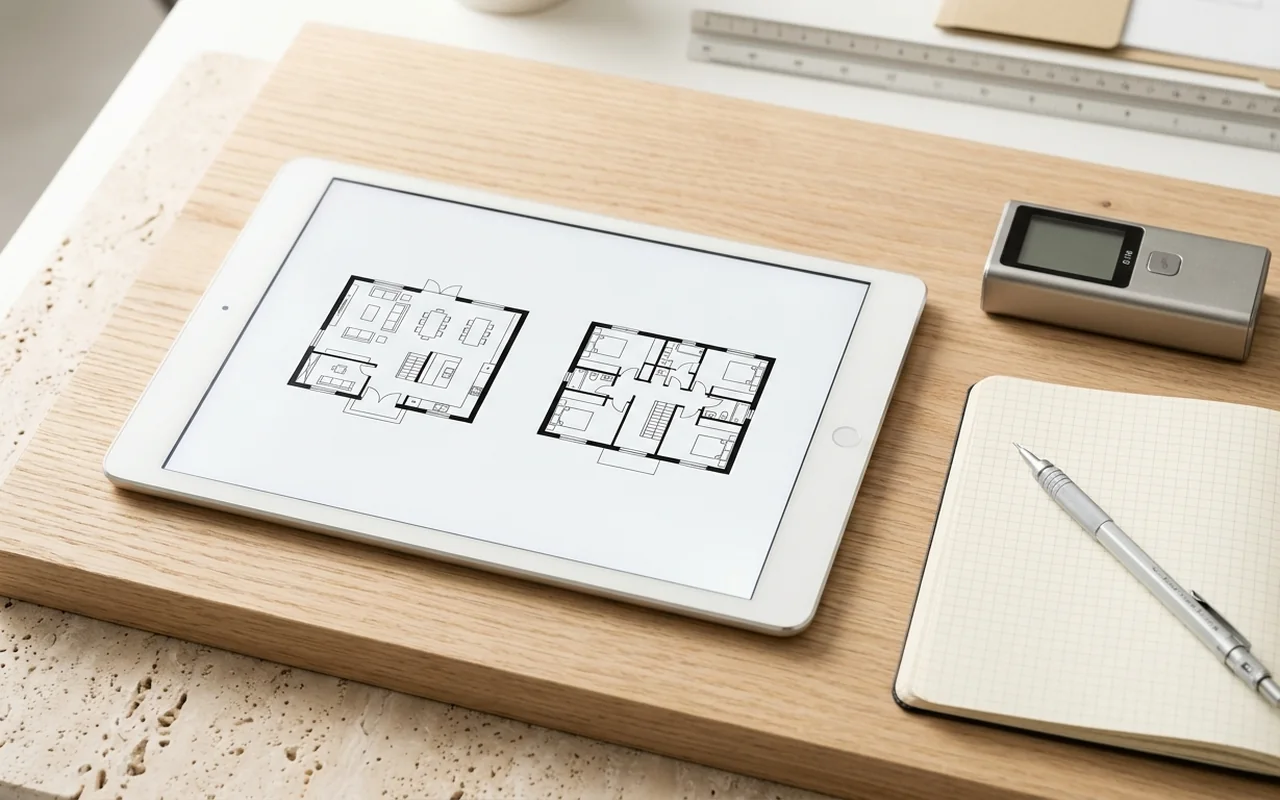
When you are on a laptop or tablet without AutoCAD installed, inspect incoming PDF attachments and pull usable DXF geometry in seconds.
Honest Capability Boundaries
Vector PDF extraction converts lines, rectangles, polylines, and Bezier curves to DXF LWPOLYLINEs, but does not reconstruct original CAD layer tables, linetypes, or editable TEXT/SHX annotations.
Scanned PDFs require server-side AI cleanup and use converter credits only when you explicitly click through to /converter.
Scanned page rendering is capped at 4096px on the longest edge to prevent iOS Safari and mobile browser memory crashes.
Password-protected or encrypted PDFs must be unlocked before loading into the browser.
FAQ
Clear answers on vector vs. scanned PDFs, multi-page selection, and privacy.
Many architectural PDFs are scanned paper drawings saved as raster images inside a PDF wrapper. Vector-only converters find zero path operators and either reject the file or export an empty DXF. Our inspector detects scanned pages automatically and routes them to high-res rendering + AI cleanup.
Page inspection, thumbnail rendering, and vector PDF-to-DXF extraction run 100% locally in your browser. Only if you choose to send a rendered scanned page to our AI cleanup converter is that selected page image uploaded for processing.
Yes. Extracting vector geometry from a CAD-exported PDF runs directly on your device with 0 credits and no account required.
Yes. Unlike tools that lock online conversion to page 1, we display every page with its thumbnail and Vector/Scanned tag so you can convert any sheet individually.
Standard PDF files flatten most CAD metadata. Our browser extractor outputs clean 2D LWPOLYLINE geometry without CAD layer tables or editable text blocks; if you own desktop AutoCAD, native PDFIMPORT can recover additional PDF layer groups.
Mobile browsers such as iOS Safari enforce strict canvas memory limits. Capping the longest edge at 4096px prevents tab crashes while keeping blueprint linework sharp enough for AI cleanup.
We export standard ASCII DXF because it opens cleanly across AutoCAD, LibreCAD, QCAD, BricsCAD, Fusion 360, and CNC/CAM tools. If you need native .dwg, open the exported .dxf in your CAD software and use Save As DWG.
Working With a Scanned Drawing?
Already exported your sheet as a JPG or PNG? Jump straight into our AI cleanup and 2-point metric scale calibration workspace.